How do I resize a GIF size?
Enter the target width and height in pixels. With the aspect lock checked, editing either field recalculates the other from the original canvas, rounded to a whole pixel. This changes the stored GIF canvas, not merely its display size in this preview. Check the downloaded file in the destination after resizing.
How can I change the aspect ratio of a GIF?
Unlock the ratio and enter both dimensions to stretch the entire canvas. This tool does not crop or add letterboxing: faces and circles can look distorted when the target shape differs. Keep the ratio locked if that distortion is unwanted. Upscaling adds pixels but does not restore source detail.
Resize GIF for Discord
Choose the particular placement before entering dimensions: an avatar, a message attachment and a profile banner have different rules. The table names the official help page and distinguishes an explicit pixel rule from one we did not find. A resized GIF is not a promise that an account is eligible for an animated avatar or banner. Use the destination's current upload feedback for requirements beyond dimensions.
What does this tool keep?
The encoder requests timestamp passthrough and compares source and output frame-delay arrays after saving. A changed count or delay is reported, rather than hidden. It re-encodes a palette and may change colors; inspect edges and small lettering. The exported GIF repeats; source loop-count metadata and non-animation metadata are not preserved. This is a dimension tool, not a target-byte-size compressor.
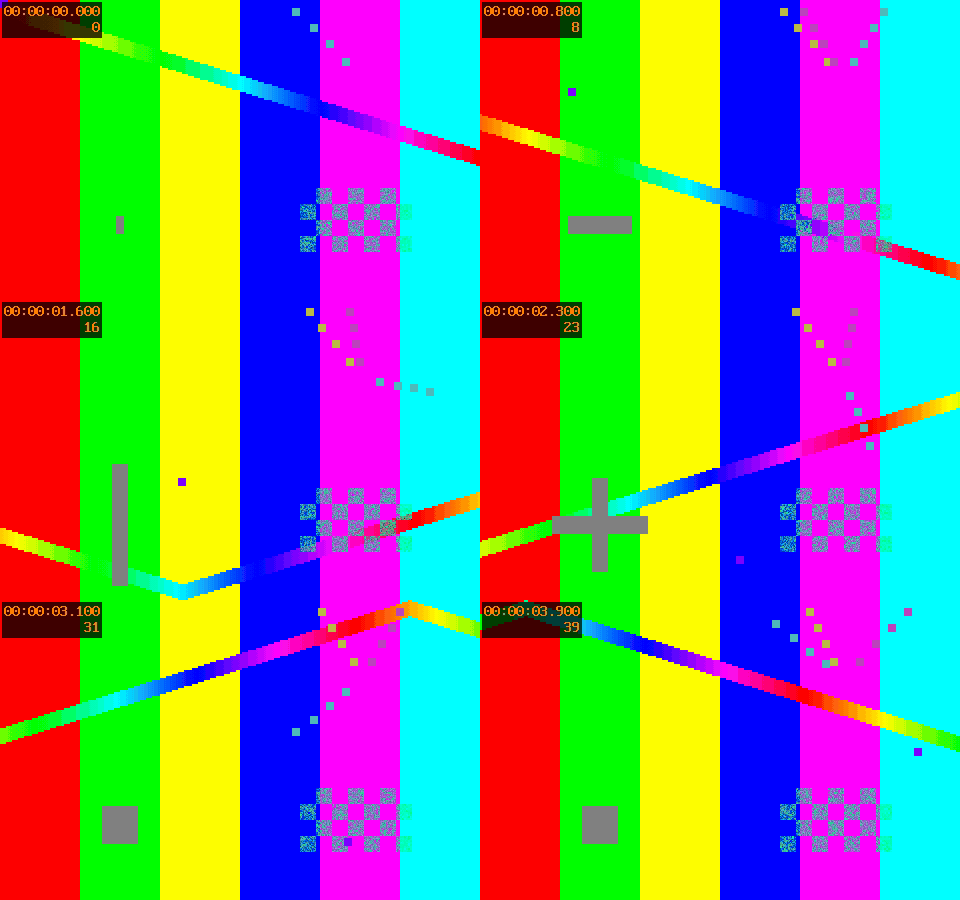
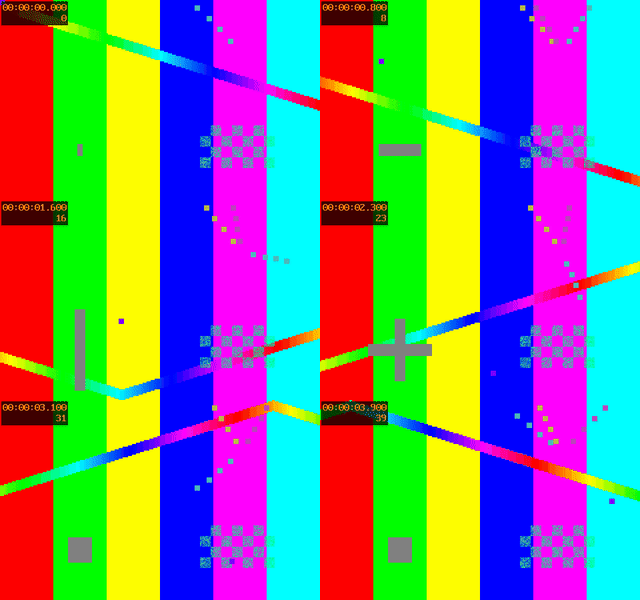
FFmpeg source GIFActual resized sampleResize measurement record
Related tools
Keep GIF format and compare compression settings; export a video container with reproducible encoding measurements; inspect unequal frame delays separately from dimensions.
Changing canvas dimensions differs from changing playback order: reverse the GIF frame sequence and its attached delays.