Unequal-delay evidence you can reproduce
Sample: FFmpeg testsrc2 GIF, 21 frames, 2940 ms, 400 × 240 px; source palette 128/no dithering; reversal palette 256/no dithering, centisecond time base, timestamp passthrough, loop forever; source 121,209 bytes and actual browser-download output 120,223 bytes, with every decoded RGB frame matching the source frame at the reversed position.
| Complete sample and encoding context | Stored delays, milliseconds |
|---|---|
| FFmpeg testsrc2 GIF, 21 frames, 2940 ms, 400 × 240 px; source palette 128/no dithering; reversal palette 256/no dithering, centisecond time base, timestamp passthrough, loop forever; source, 21 frames / 2940 ms / 400 × 240 | [40, 50, 60, 70, 80, 90, 100, 110, 120, 130, 140, 150, 160, 170, 180, 190, 200, 210, 220, 230, 240] |
| FFmpeg testsrc2 GIF, 21 frames, 2940 ms, 400 × 240 px; source palette 128/no dithering; reversal palette 256/no dithering, centisecond time base, timestamp passthrough, loop forever; reversed, 21 frames / 2940 ms / 400 × 240; final delay follows source first frame | [240, 230, 220, 210, 200, 190, 180, 170, 160, 150, 140, 130, 120, 110, 100, 90, 80, 70, 60, 50, 40] |
For this FFmpeg testsrc2 GIF, 21 frames, 2940 ms, 400 × 240 px; source palette 128/no dithering; reversal palette 256/no dithering, centisecond time base, timestamp passthrough, loop forever, native FFmpeg independently read all stored output delays and decoded every full RGB frame; all 21 output pictures matched the reversed source pictures, and the output delay array equaled the source delay array reversed. This sample verifies the chosen frame-plus-delay behavior rather than a fixed-position delay policy.
Generated source GIFActual reversed GIFGenerator, settings and measurements
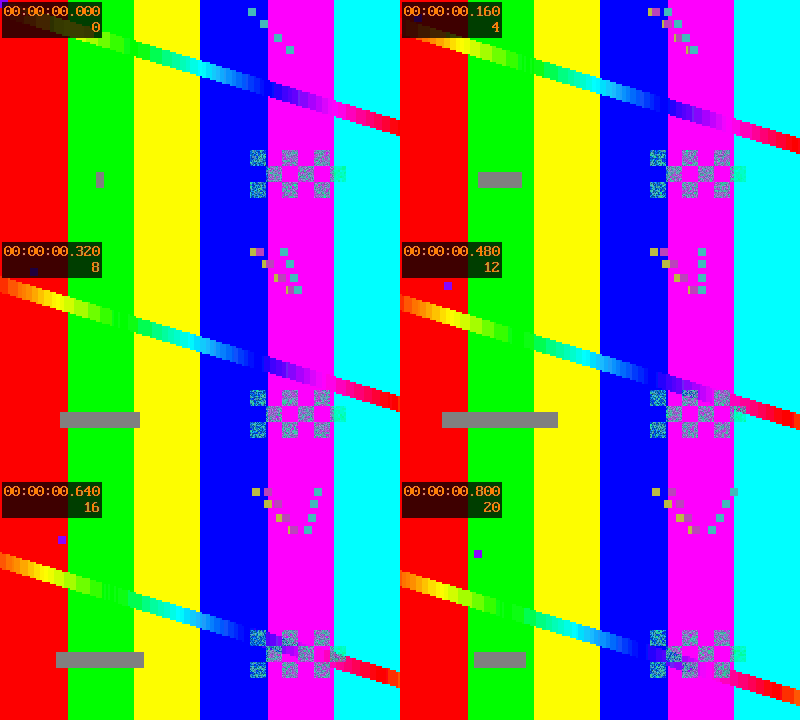
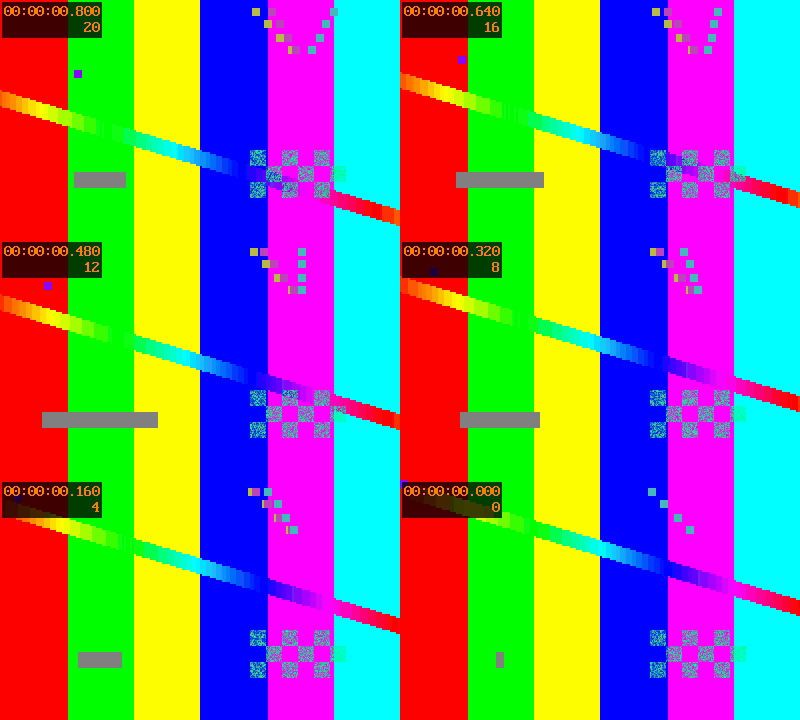
Which delay belongs to the reversed picture?
This tool moves each picture and its own stored delay together. It does not leave the old delay at the same timeline position. The first displayed picture after reversal is the source's final picture, with the source's final delay. The total of the stored delays is checked separately from order. The result is offered only after its saved frame count and stored delay array match the intended reversal.
The encoder assembles the source pictures before reversing them. It re-encodes a palette, so inspect colors and edges; this is not a claim of lossless color preservation for every input. Some very short or zero source delays are rejected. Files exceeding this tool's input, frame or memory budget are also rejected rather than processed incompletely.
Reversing is not changing the canvas or player loop
For timing measurements, read how frame delays are checked separately from playback order; that experiment answers a different question. A player's repeat control also differs from reversing the saved sequence: see the distinction between preview loops and saved animation cycles.
Changing canvas dimensions is another operation: resize GIF width and height without treating that as a frame-order change. For a byte-size task, use the separate GIF compression tool and its measurements.