LOCAL CONVERSION / RECOVERY NOTES
How to convert GIF to MP4 when the result will not play
Keep the original GIF, read the exact message, and check the output preview before relying on a completed conversion. In our browser test, a truncated GIF produced a Done message but no decoded video picture. Replacing it with the complete original in the same tab produced a decodable MP4 preview. Reducing output size is not a way to reconstruct missing source bytes.
Published October 18, 2026 · Original browser experiment
Open the local converter ↗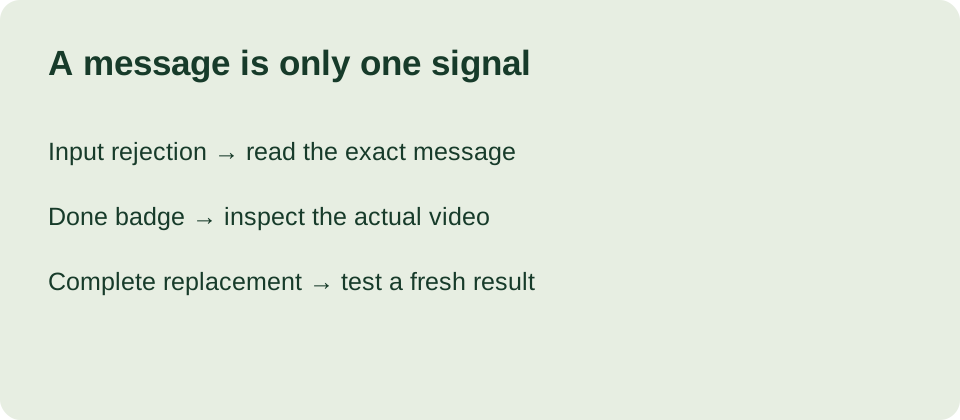
Our same-tab recovery test
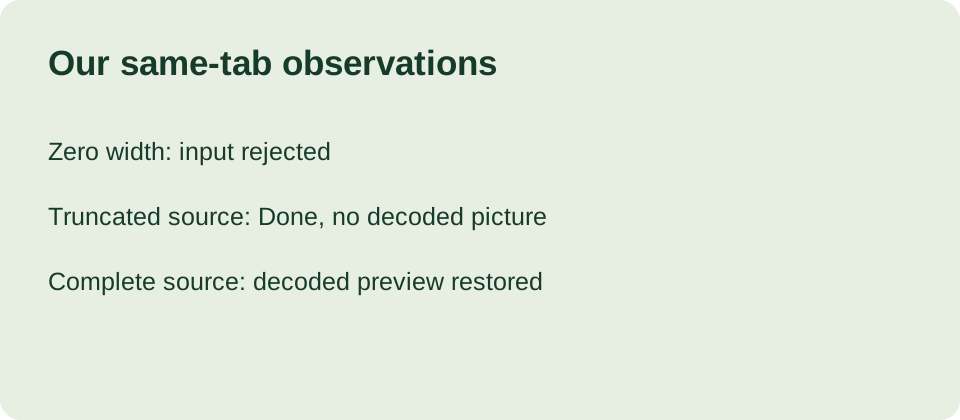
We tested the live tool in Chrome on October 18, 2026 with our own generated source and two altered copies. One copy had its canvas width bytes set to zero. Another retained only the first 20 bytes of the complete GIF. We used local file selection; these were our laboratory samples, not files supplied by visitors. The test concerns this implementation and these samples, not every damaged GIF.
On a fresh tool page, selecting zero-width.gif displayed “This GIF has invalid dimensions.” The Convert to MP4 button remained disabled. This was an input rejection before video conversion. We then selected the truncated sample in that same tab. It passed the header check, displayed its original 480 by 300 canvas dimensions, and enabled conversion. Unlike our earlier source-preview experiment, this time we actually pressed Convert.
The resulting message was “Done. Preview your video or download the MP4.” The result label showed 480 × 300 px, 24 fps, and 0.3 KB. Yet the video control displayed an unable-to-play state. The video element had readyState zero, videoWidth zero, and no finite duration at the observation point. We therefore recorded an unusable preview despite the completion message. We did not record a successful playable export from this fragment.
Next we used Replace to select normal.gif without reloading the page. Selecting the complete source cleared the earlier result. After conversion, the output label showed 480 × 300 px, 24 fps, and 9.6 KB. The video element now had readyState four, a decoded width of 480, and a duration of 1.916667 seconds. That establishes a decodable browser preview after replacement in this session; it does not establish repair of the truncated file.
We clicked Download MP4 for the complete-source result, but the automated download-event wait timed out. Consequently this experiment does not verify a saved copy on disk. The browser preview measurements and the download check are separate evidence. We retain the original samples and screenshots so the observation can be repeated without treating a displayed file size as proof of usable video.
Why the completion message can mislead
We read the production app.js alongside the experiment. The selector checks the GIF signature and nonzero canvas dimensions. The conversion handler calls the encoder, checks its exit code, and reads output.mp4. It rejects a nonzero exit code or an empty output, but it does not wait for the resulting video element to decode before displaying Done. Nonempty output and decoded video are different checks in this version.
The error handler terminates the engine and resets its reference when an exception is caught. Our truncated sample did not show that exception message; it reached Done instead. We cannot claim that this experiment tested the engine-reset branch. Our recovery evidence is narrower: replacing the source after an unusable preview worked in the same tab. We leave the conversion code unchanged here and document its present limitation.
Choose the next action from the evidence
If the input has invalid dimensions, return to an unchanged original or obtain a complete source. If a conversion produces a blank or unplayable preview, replace the input with a known complete copy and try again. Check that the output has a decoded picture and a sensible duration before saving it. After saving, open that actual file in your intended player; our timed-out download check is not a substitute for yours.
If the browser reports a conversion error with a complete source, a smaller output may reduce work. This test did not measure memory limits, conversion speed, or a universal maximum file size, so we give no threshold. Keep the exact message and separate an engine-loading problem, an input rejection, and an output that cannot decode. They do not justify the same diagnosis.
Questions from the recovery checklist
Does Done prove that my MP4 will play? No. Our truncated sample reached that message while the preview had no decoded video picture. Check the player and the saved file rather than relying on the badge alone.
Did Replace repair the damaged GIF? No. We selected a different, complete source. The resulting preview decoded; missing bytes were not reconstructed.
Must I refresh after every bad file? Our replacement test worked without reloading. That is one measured path, not a promise that every browser error can be recovered in place. Preserve the original before trying any further step.
Related checks
Before conversion, use our source-preview inspection checklist. For the export settings, read what changes in the saved MP4. The observations above come from our own samples and the current conversion code.